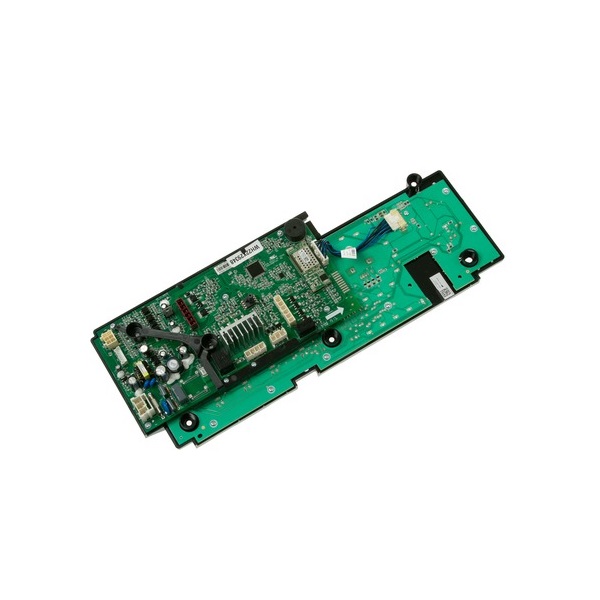

General Electric WH22X29348 Washer UI & Control Board W/Wifi RX231
More Information:
This Part Fits the Following Models
9 models:
WH18X27595|WH18X28178
Step1: Unplug the washer from the power outlet to ensure safety.
Step2: Remove the top panel or control console to access the UI board.
Step3: Disconnect all wiring harnesses from the old board.
Step4: Unscrew and remove the existing control board carefully.
Step5: Install the new board and secure it with screws.
Step6: Reconnect all wiring according to the original layout.
Step7: Reassemble the console, restore power, and run a test cycle to verify proper control functions.
Customer Reviews
Write a Review
-
Quick Start
Wash programs now run on schedule, and it maintains exact timing for each cycle.
-
Reliable Control
Wash cycle completes without error codes now.
-
Rapid Start
Washer responds quickly to each selected setting.
-
Smart Interface
Display is clear and WiFi functions work flawlessly.
-
Works perfectly
Restored my washer's functionality, and it’s easy to install. Couldn’t be happier